Trace pixels into clean lines with one click
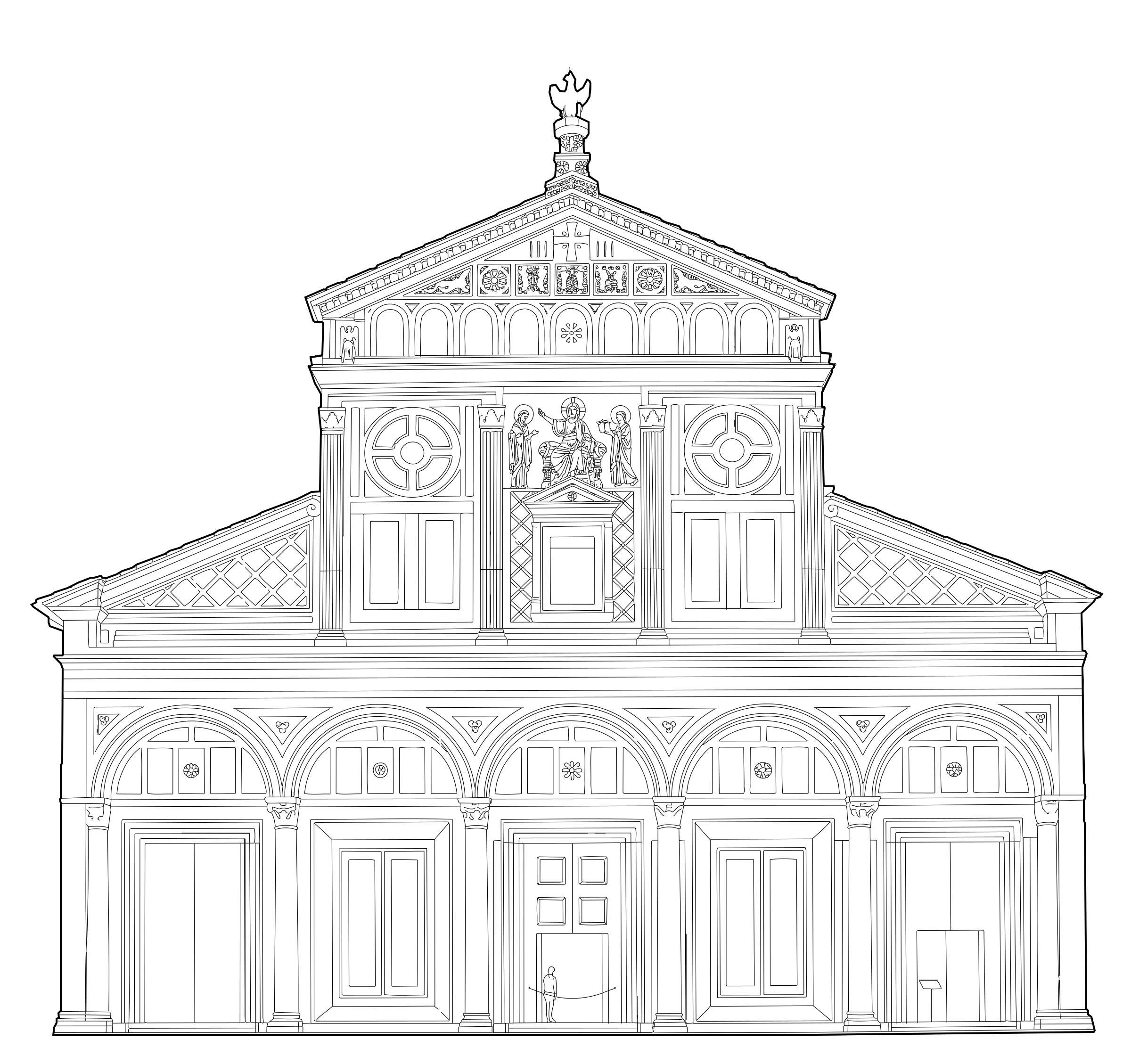
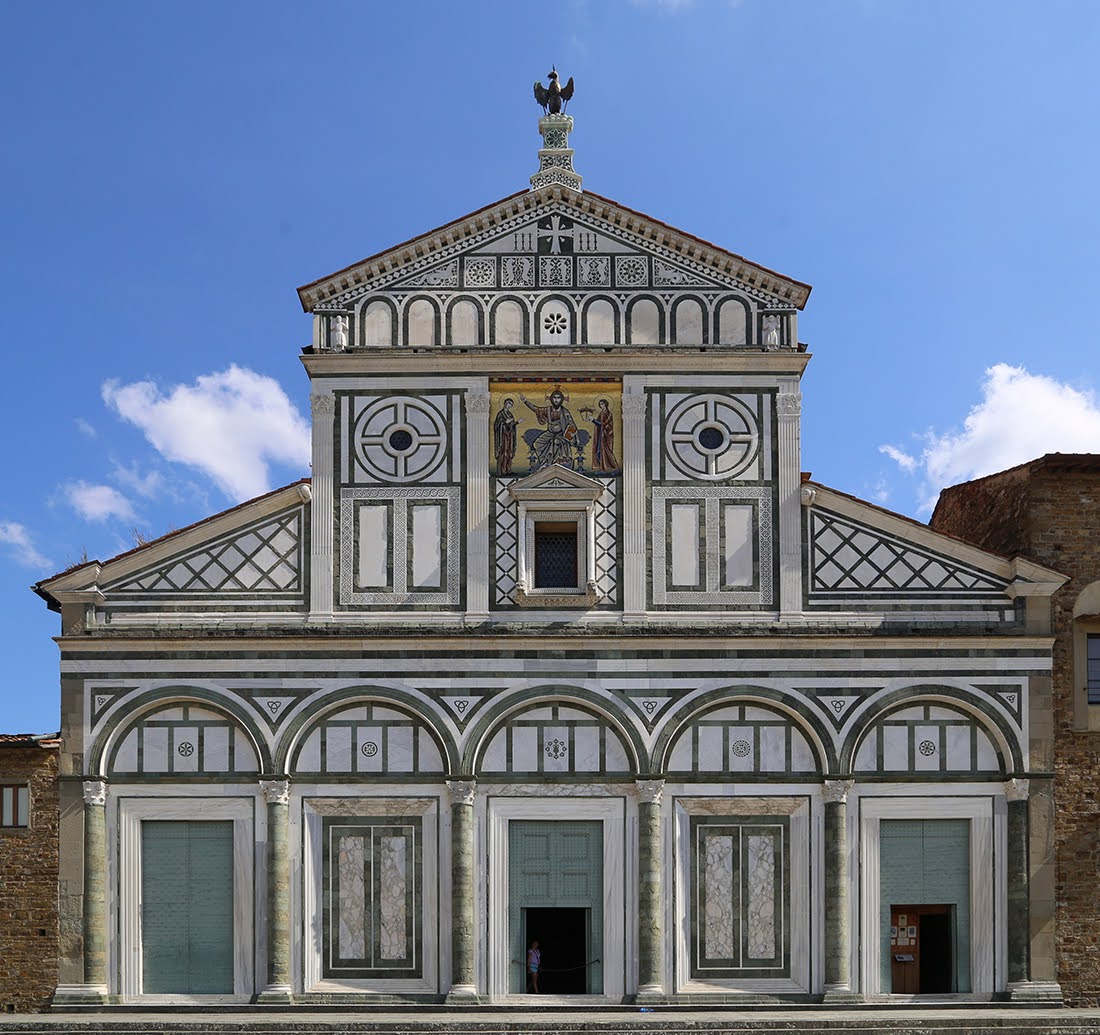
Get clean vector files ready for editing, resizing, or filling.
5 free conversions, no card needed
Real results, straight out of PixTrace. Every drawing downloads as SVG or DXF, ready for your usual design or CAD software.
Try it free, then subscribe if it earns a place in your workflow.
Unused conversions don't roll over to the next month.
A clean line drawing of your photo, as an SVG or a DXF file. SVG opens in Illustrator, Inkscape, Figma and other design software. DXF opens in AutoCAD, Rhino and most other CAD software, with real curves and separate layers. Both can be resized and edited without losing quality.
Clear, well-lit photos where the subject is easy to see. Buildings, objects and products work especially well. Very fine see-through detail, like wire fencing, is harder and may need some tidying.
By default you get a clean drawing of the main lines. Tick Detailed for more texture and fine detail. Tick Cutout to isolate just the main subject as a closed shape with a solid fill and no background. It drops straight into another drawing and hides whatever is behind it, with no trimming or cleaning up. You can use both together.
Your photo is used only to make your drawing, and it's deleted within about 15 minutes. We don't keep a history of your conversions, and we never use your photos to train AI.
Your credit is refunded automatically, so you can try again.
Yes, any time. Log in, click Manage subscription next to your credits on the convert page, and cancel there, or just email us and we'll do it for you. You can keep using any conversions you have left.
Email hello@pixtrace.net. We're happy to help.